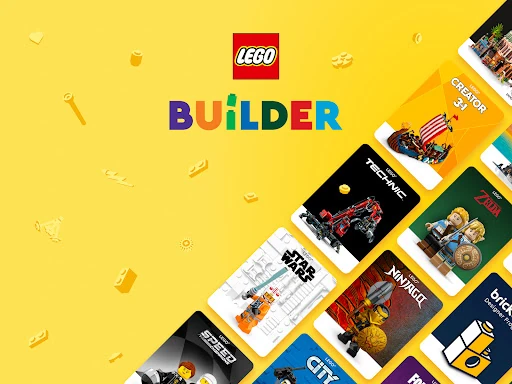
Build from the screen
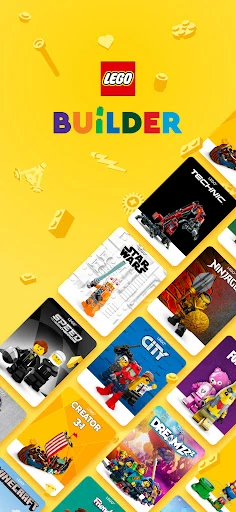
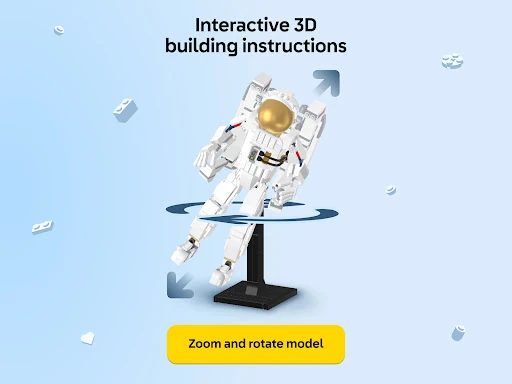
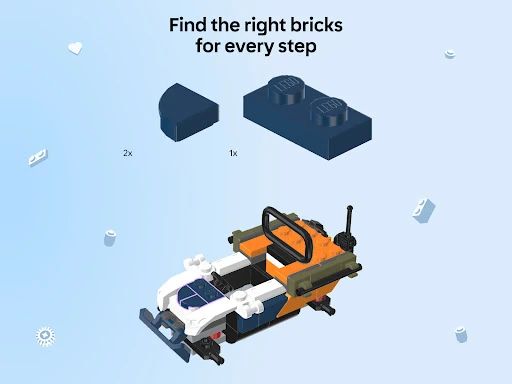
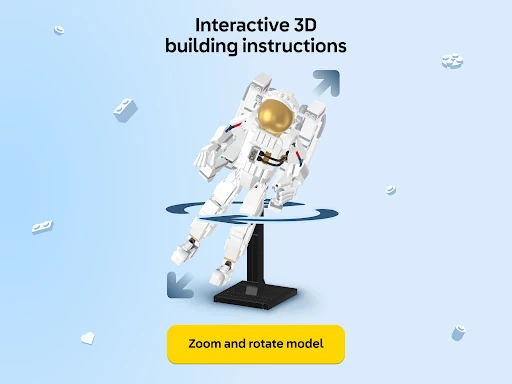
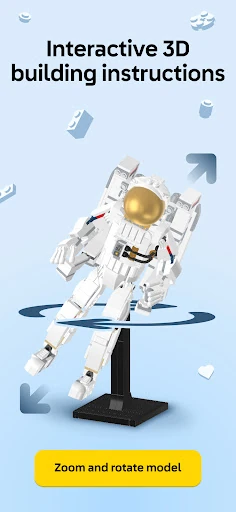
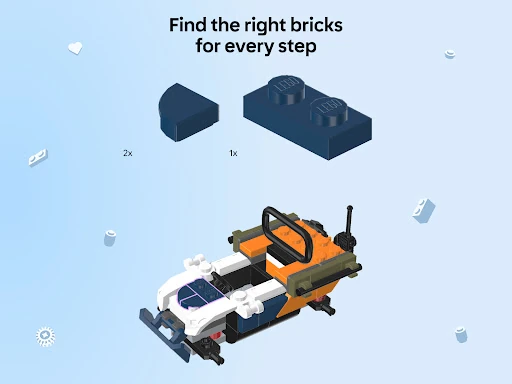
LEGO® Builder: 3D Instructions is a digital guide for people assembling LEGO sets. Instead of following only printed diagrams, builders can view instructions as interactive 3D models, rotating and zooming in to check how pieces fit. It is aimed at children and adults who want a closer look at a tricky step, or who need to replace a misplaced paper manual.
Finding and following instructions
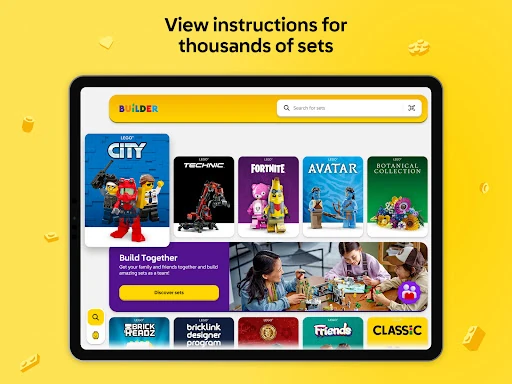
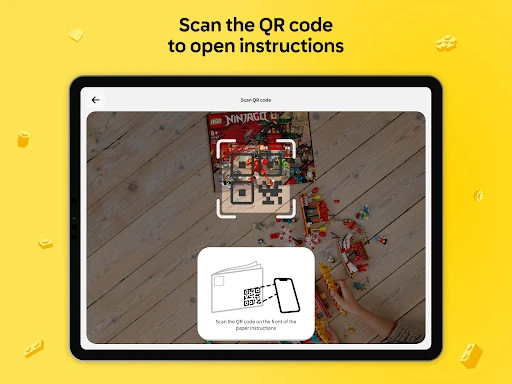
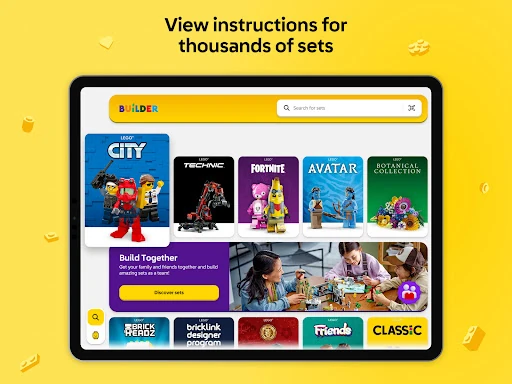
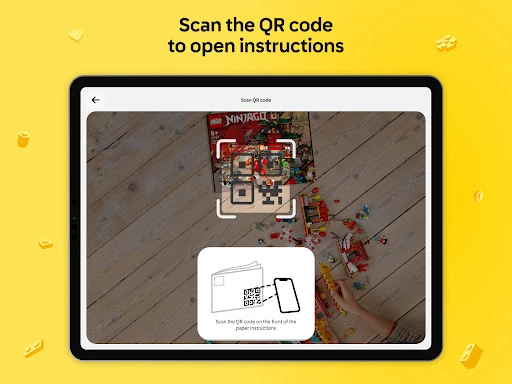
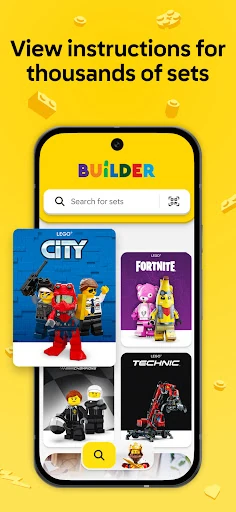
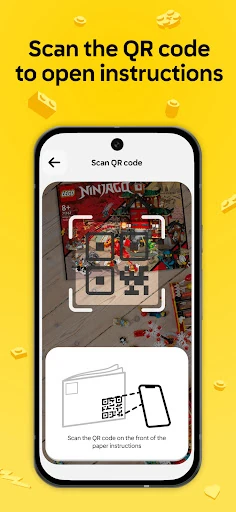
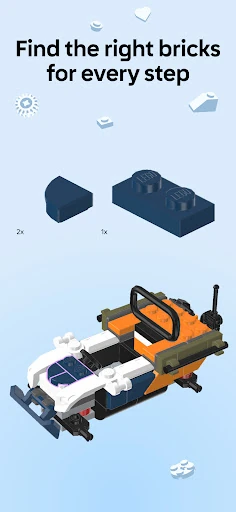
The app’s public description says sets can be looked up by set number or found by scanning a QR code. For supported builds, the 3D view lets you examine the model from different angles as you work through the steps. Some themes also have story-led instructions, adding a narrative to the building process; this is not presented as a feature for every set.
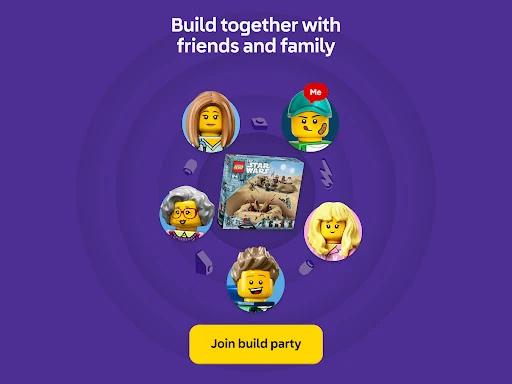
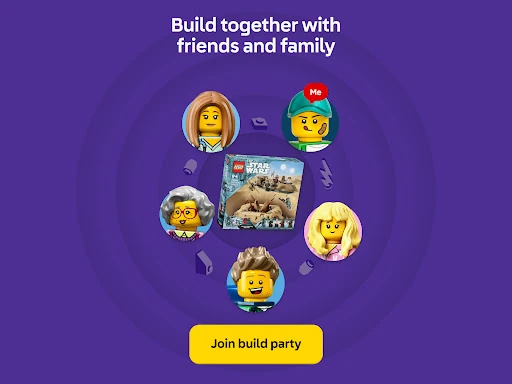
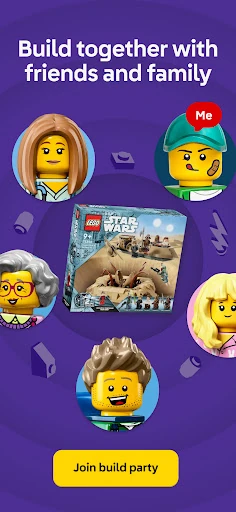
A Build Together mode is described for people who want to split a build with others. A host and participants join using a PIN, then work on different sections of the same set. That may suit family or group builds, though the app’s listing alone does not say how well the mode works in every setting.
Collections and accounts
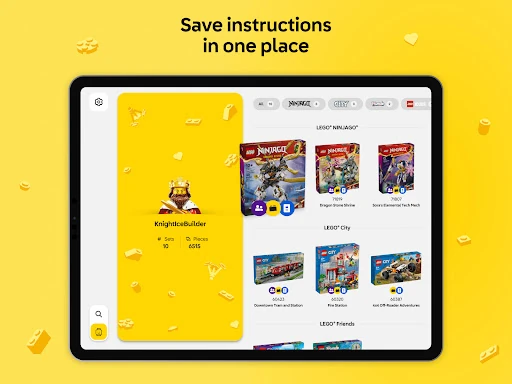
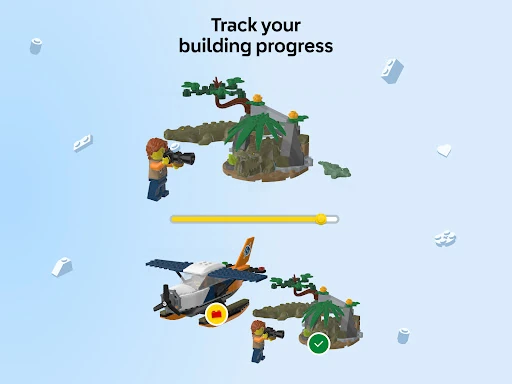
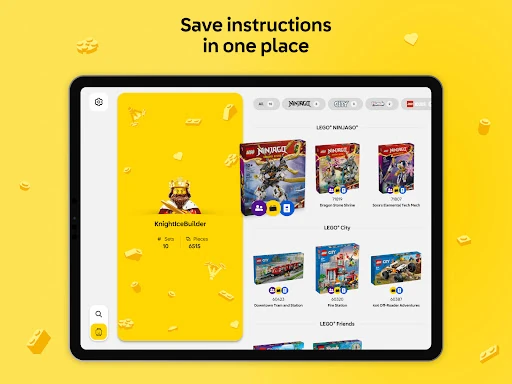
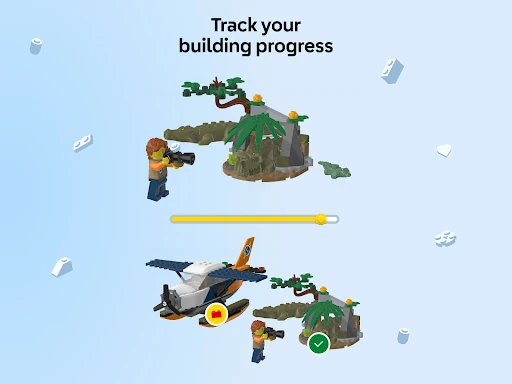
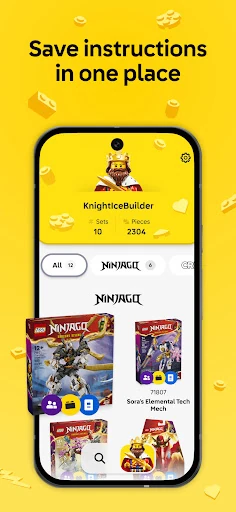
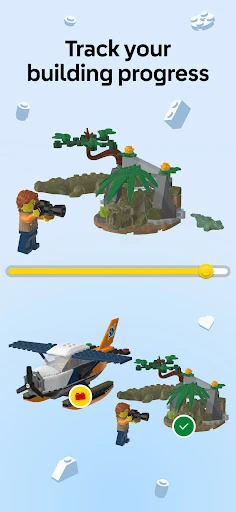
LEGO System A/S is the developer. The listing describes an optional LEGO Account connection for saving progress across devices and tracking a collection. If you only need to follow instructions for one set, those account features may not be relevant to your use.
The app is in Entertainment and has a 4.83 rating from about 234,000 ratings, with 10 million-plus installs. Those figures suggest broad use and a generally positive reception, but they cannot tell you whether a particular set is covered or whether the on-screen steps suit your building style. Check the set details in the app before relying on it as your only instruction source.