Advertisement
Click to download now, finish the installation quickly, and directly unlock the all-round experience
Advertisement
Screenshots



Click to download now, finish the installation quickly, and directly unlock the all-round experience
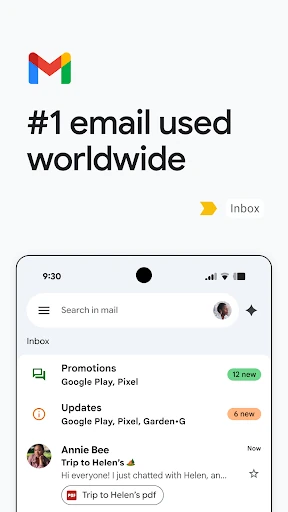
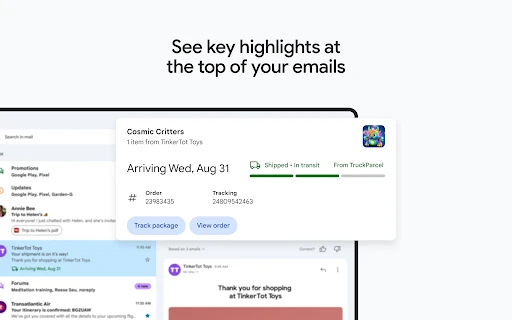
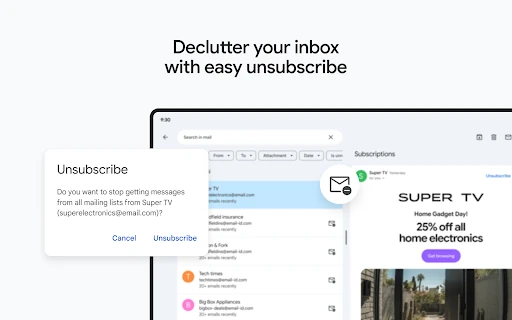
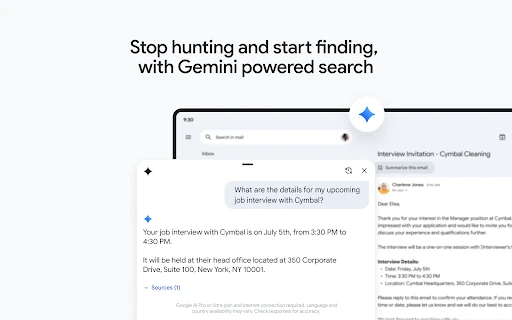
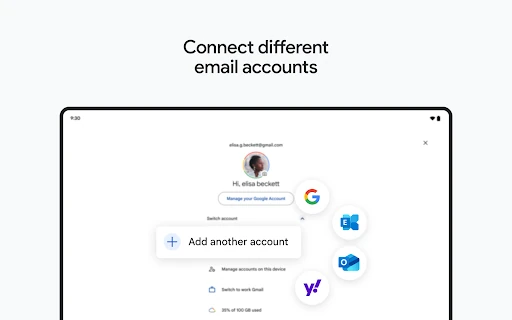
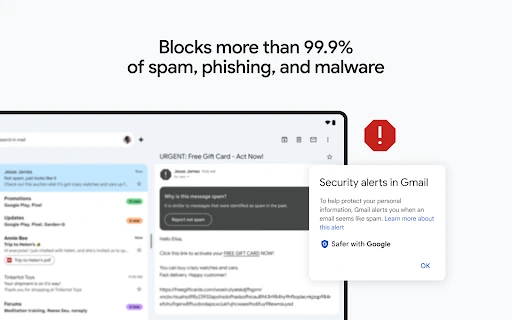
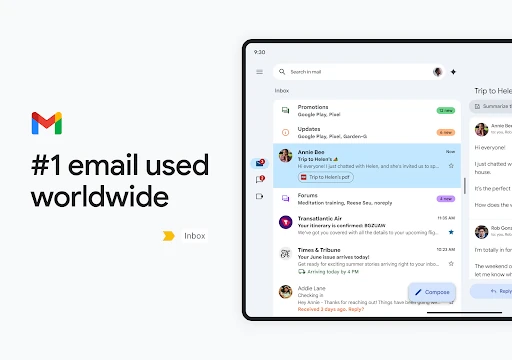
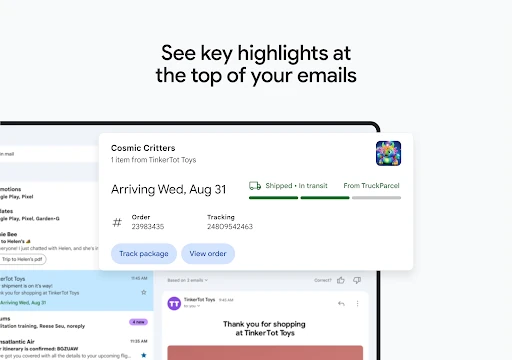
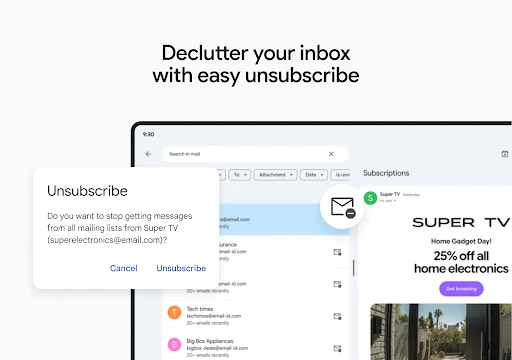
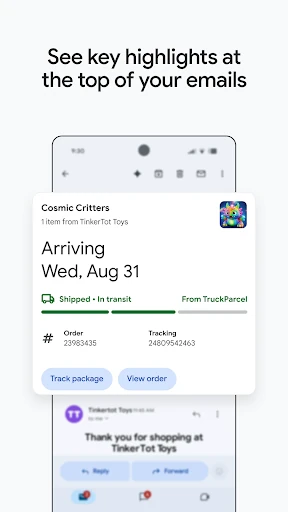
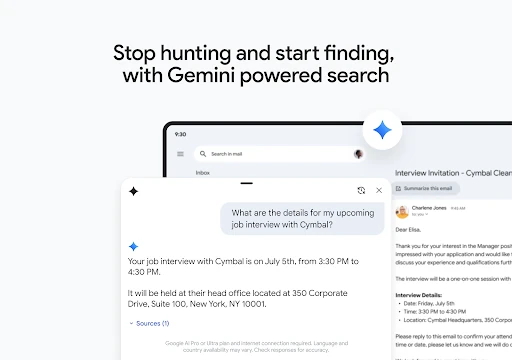
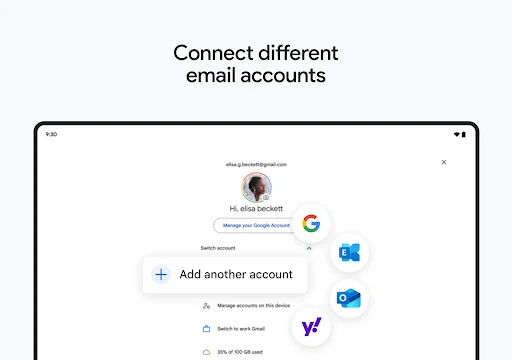
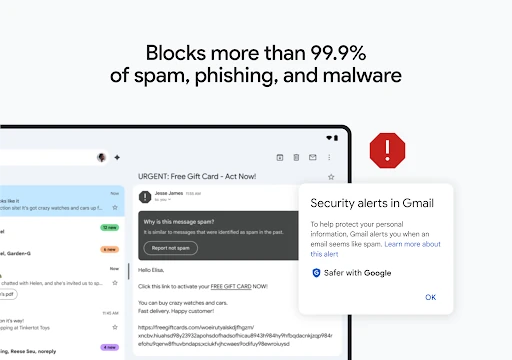
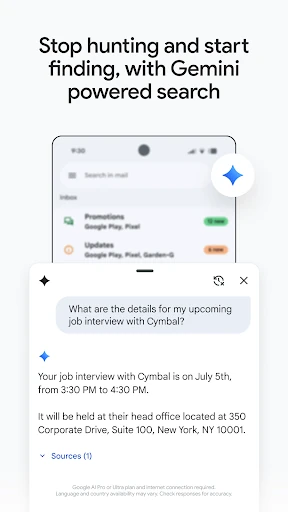
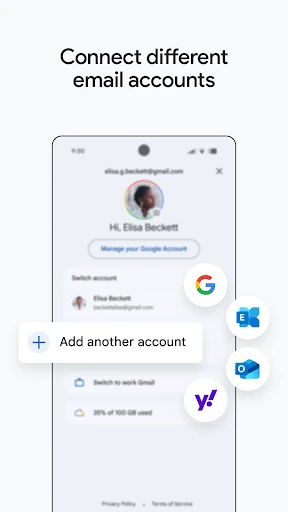
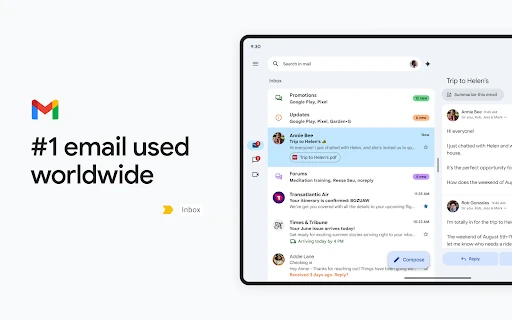
Gmail is Google’s email app for reading, sending and organizing messages on an Android phone. It suits people who already use a Gmail address, as well as anyone who wants one place to check more than one email account. Search helps when you need to find an older message, while tools for handling unwanted mail can keep the inbox easier to scan.
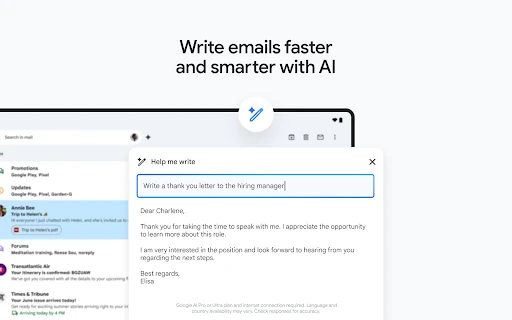
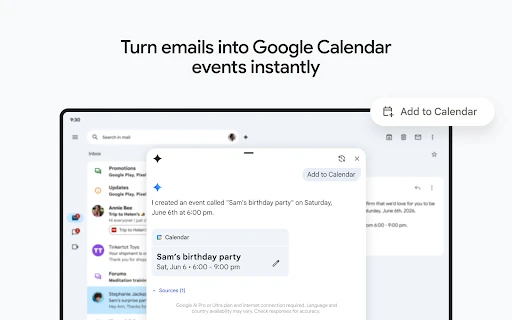
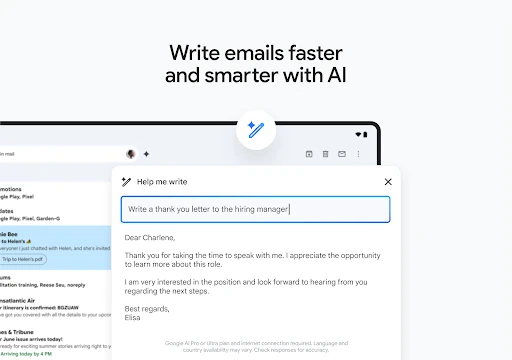
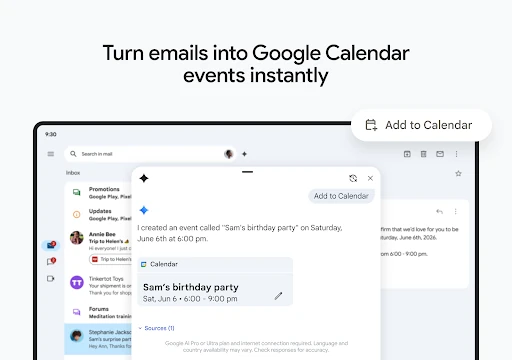
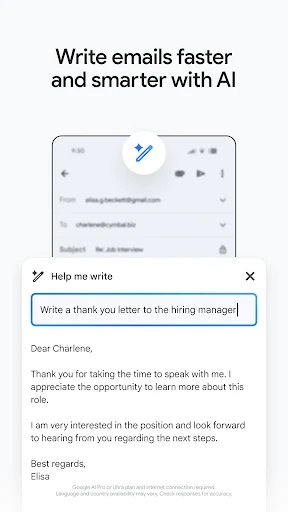
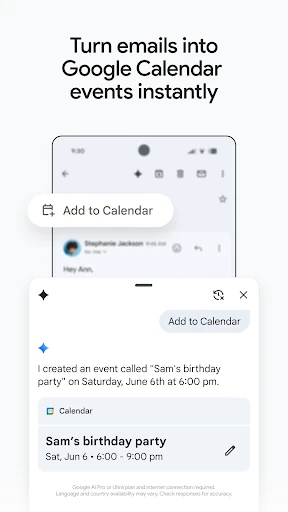
The app connects email with other Google services, including Calendar, Meet and Chat. That can be useful when a message leads to a meeting or a scheduled event, though people who only want a simple mailbox may not need every part of that wider setup. Gmail also offers writing suggestions and message replies; these can speed up routine correspondence, but they are optional aids rather than a substitute for checking what you send.
Gmail is published by Google LLC in the Communication category. Its listing shows a 4.1 rating from more than 14 million ratings and 10,000,000,000+ installs. Those figures indicate a very widely used app, but they do not tell you whether its layout or connected services suit your habits. The range of tools may be convenient if you already rely on Google, and less compelling if you prefer to keep email separate from calendars and calls.
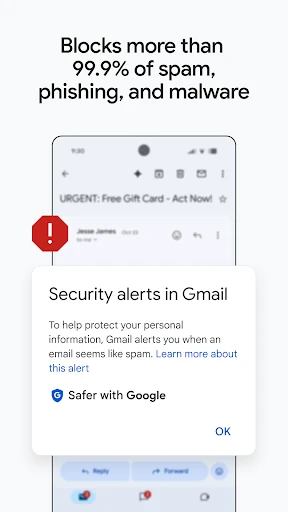
Choose Gmail if you want a familiar mobile inbox with search, spam controls and links to Google’s communication and scheduling tools. Consider whether you want those integrations before making it your default email app: the central job is still managing messages, but the surrounding features give it a broader feel. The best fit depends on how much of that setup you expect to use.