Advertisement
Click to download now, finish the installation quickly, and directly unlock the all-round experience
Advertisement
Screenshots
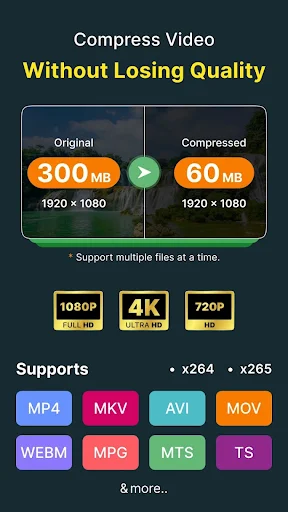
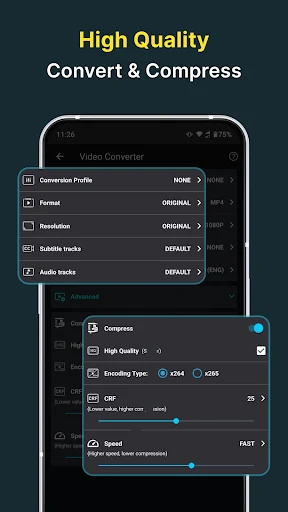
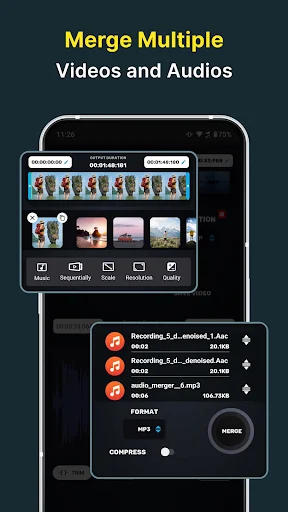
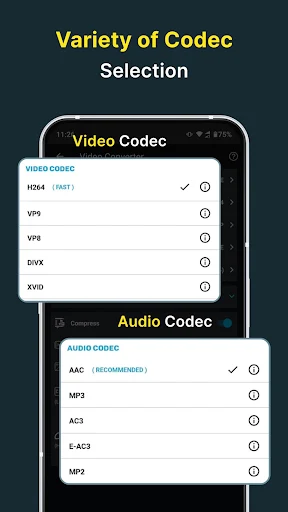
Click to download now, finish the installation quickly, and directly unlock the all-round experience
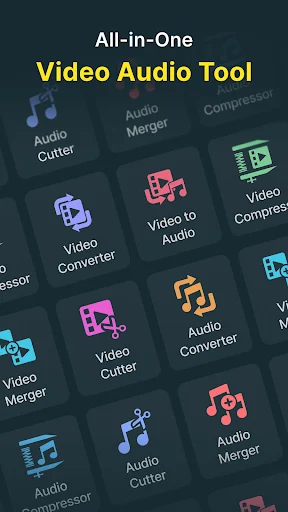
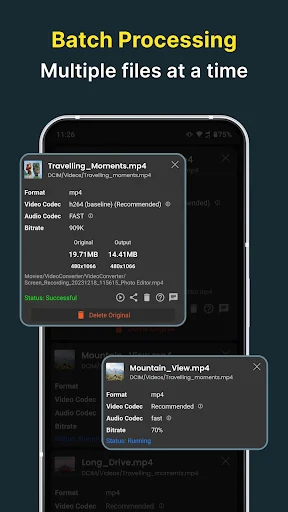
Video Converter, Compressor is a file utility for people who need to change a clip’s format, reduce its size or adjust its output before sharing or playing it elsewhere. Inverse AI’s Tools app lists support for a wide range of video formats, including MP4, MKV, AVI, MOV, WMV and WEBM, as well as conversion from video to audio.
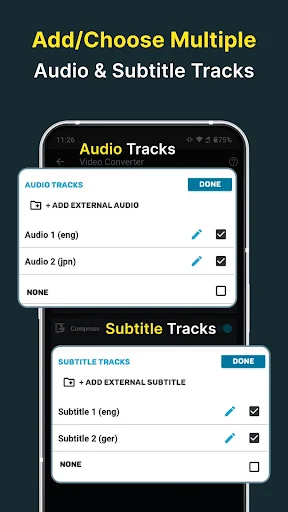
Rather than offering only a format switch, the app lets you set resolution, frame rate and bitrate. It also includes a high-quality compression option and a bitrate setting for targeting a particular file size. You can rotate or flip video, and choose existing audio or subtitle tracks, or add supported external tracks. Those choices may suit users who want more control than a basic converter provides, though they also mean there are more settings to consider.
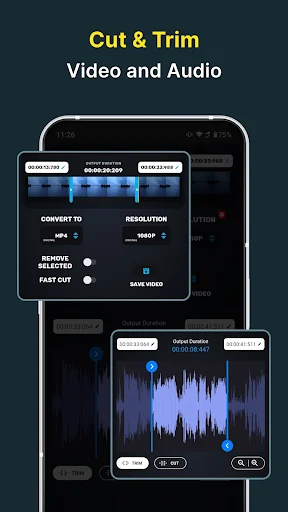
The listing also describes trimming or cutting clips, with precise start and end times, and joining several videos into one. For audio, it can extract and convert a video’s sound to formats such as MP3, AAC, WAV, OGG or FLAC. Audio cutting is listed too. This makes the app a small collection of media tasks, rather than a converter alone.
With 10,000,000+ installs and a 4.5 rating from about 215,950 ratings, it has a substantial audience and a strong public score. Those figures offer context, not a guarantee that every format or setting will suit a particular file. If you only need occasional conversion, the range of controls may be more than you need; if you regularly resize, compress, trim or combine media on your phone, the breadth is the point.