Advertisement
Click to download now, finish the installation quickly, and directly unlock the all-round experience
Advertisement
Screenshots
Click to download now, finish the installation quickly, and directly unlock the all-round experience
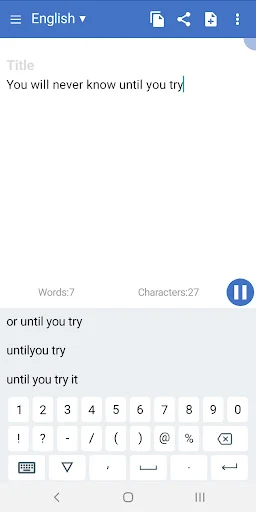
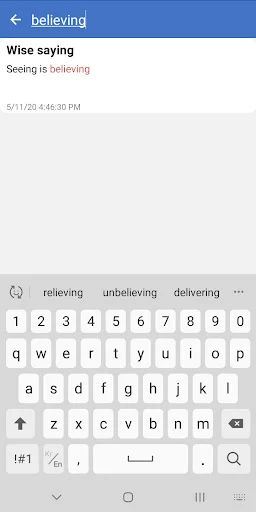
Voice to text turns speech into written text, for notes, messages, email drafts, and longer pieces such as reports or essays. It suits people who would rather dictate than type, or who want to get a first draft down hands-free. The listing describes continuous recognition and says notes can be long, without a stated length limit. It can show alternative recognition candidates, which may help when a spoken word is unclear.
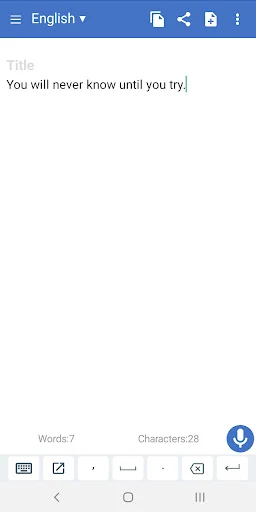
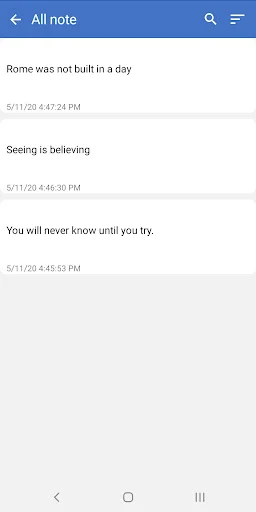
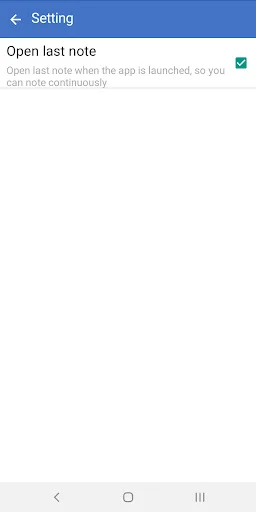
Dictation is not the only step: you can edit the text while speaking, and the app supports automatic spacing and saving. Language selection and a custom dictionary are listed too; the dictionary can be used to replace words during recognition. When a note is ready, you can share it with another app or export it as a text file. Word and character counts are included for keeping an eye on length.
This is aimed at straightforward capture rather than elaborate document work. It may fit to-do lists, quick reminders, or longer drafts that you plan to revise elsewhere. The listing also mentions a custom keyboard and creating text for email, SMS, and social posts. Those options make it more flexible than a single-purpose recorder, but the core task remains turning speech into editable text.
Published by maruar in the Tools category, Voice to text has a 4.02 rating from 18,246 ratings and more than 1,000,000 installs. Those figures suggest it has found a sizeable audience, though they do not tell you how well recognition handles your voice, language, or surroundings. If accuracy matters for names or specialist terms, the language and dictionary options are worth considering.